
Get HVAC maintenance right
Before you touch a screwdriver, understand the baseline condition of your system. Skipping this diagnostic phase is the most common reason DIY maintenance fails to save money. A $59 tune-up from a local professional can provide a critical snapshot of your system's health if you are unsure where to start.
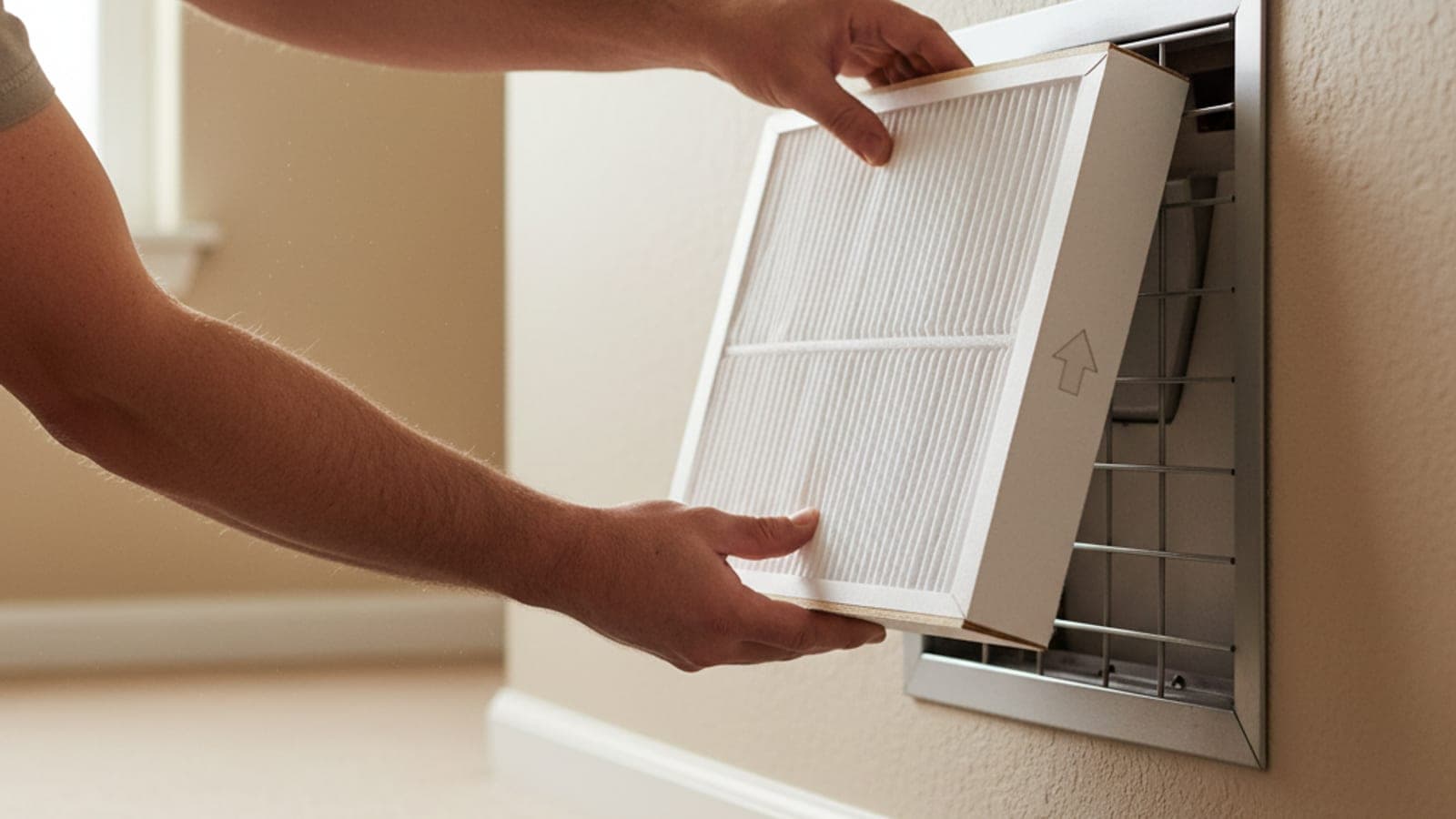
Start by checking your air filter. This is the single most impactful variable for both energy efficiency and indoor air quality. A clogged filter forces the blower motor to work harder, driving up your electricity bill and potentially freezing the evaporator coil. Replace disposable filters every one to three months, depending on household dust levels and pet hair. If you have a permanent filter, clean it according to the manufacturer's instructions.
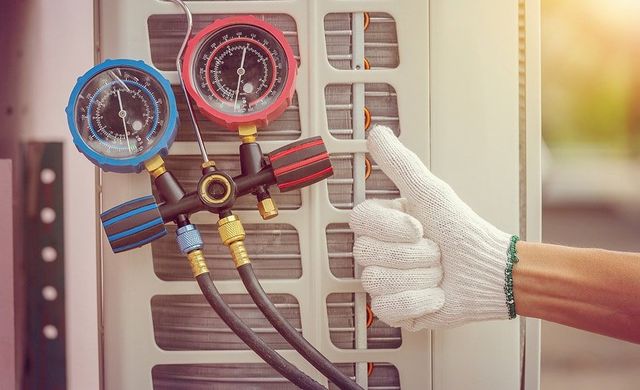
Next, inspect the outdoor condenser unit. Ensure it is sitting level on its concrete pad and that the surrounding area is clear of debris, leaves, or overgrown vegetation. The unit needs at least two feet of clearance on all sides to breathe. Gently hose down the fins from the inside out to remove dirt, but be careful not to bend them. Bent fins restrict airflow and reduce cooling capacity.
Finally, verify that your thermostat is functioning correctly. Check the batteries and ensure it is calling for cooling when set below room temperature. If your system is older, consider the "$5000 rule": multiply the repair cost by the age of the unit. If the result exceeds 5000, replacement is often more cost-effective than continued maintenance. This simple calculation helps you decide whether to invest in repairs or plan for a new system.
Work through the steps
HVAC maintenance troubleshooting should start with a clear boundary: what is actually broken, and what still works normally. Check the power state, circuit breakers, and thermostat settings before assuming the whole system needs a reset. A small connection failure can make the main system feel unreliable even when the core components are fine.
Work from low-risk checks to deeper resets. Confirm power state and thermostat settings first. Then restart the interface, wait for it to reload completely, and test the original symptom. Avoid changing multiple settings at once because that makes it harder to know which step actually fixed the problem.
If the issue affects safety information, repeats after every restart, or appears with warning messages, treat the reset as a temporary diagnostic step rather than the final fix. Document the symptom and move to official support instead of stacking more DIY attempts.
-
Park and note the symptomPut the system in a safe idle state, then write down whether the HVAC system is frozen, blank, slow, disconnected, or only failing in one app.
-
Try the normal restart firstUse the standard screen or interface restart before changing settings, deleting profiles, or disconnecting accessories.
-
Retest one feature at a timeCheck touch response, audio, navigation, phone pairing, Wi-Fi, and app access separately so the failing path is clear.
-
Escalate repeated failuresContact official support when the screen stays black, warnings appear, or the same issue returns after a clean restart.
Fix common mistakes
Skipping the basics or rushing through checks often leads to higher energy bills and premature system failure. These errors are avoidable with a disciplined approach to your 2026 HVAC maintenance checklist.
Skipping the air filter
The air filter is the first line of defense for your system. When it clogs, airflow drops, forcing the compressor to work harder. This increases energy consumption and can cause the evaporator coil to freeze. Check your filter monthly and replace it every one to three months. Use the correct MERV rating specified by your manufacturer; overly dense filters can restrict airflow just as much as dirty ones.
Ignoring the outdoor unit
The condenser unit outside needs breathing room. Leaves, grass clippings, and debris can pile up around the base, blocking airflow and trapping heat. Trim back vegetation at least two feet from the unit. Gently rinse the fins with a garden hose to remove dust and pollen, but avoid using a pressure washer, which can bend the delicate aluminum fins and reduce efficiency.
Overlooking the thermostat
An outdated or poorly calibrated thermostat can cause significant temperature swings and wasted energy. If your system cycles on and off too frequently, the thermostat may be faulty or placed in a drafty area. Consider upgrading to a smart thermostat that learns your schedule and adjusts temperatures automatically. Ensure it is mounted on an interior wall away from direct sunlight or heat sources.
Waiting for breakdowns
Many homeowners only call for service when the system stops working. This reactive approach often leads to emergency repair fees and longer downtime. Regular maintenance catches small issues, like loose electrical connections or low refrigerant levels, before they become catastrophic failures. A professional tune-up once a year ensures your system runs safely and efficiently throughout the season.
Hvac maintenance: what to check next
We know that scheduling annual tune-ups and deciding when to replace a unit can feel like guesswork. Here are direct answers to the most common questions we get from homeowners trying to keep their systems running efficiently.
No comments yet. Be the first to share your thoughts!